Introduction
The following project was carried out in 2021 using Rails 6. This application was fundamental for my evolution with Ruby on Rails,
allowing me to deepen my knowledge of the language and the framework. The application consists of a system for scheduling tweets, where the
user can schedule messages to be sent directly to Twitter. So, if a tweet is scheduled for a 2-hour interval, it will
be sent automatically as soon as that time runs out.
Project repository: "Scheduled tweets" repository
Schedule Tweets
The "Schedule Tweets" application is a beginner's tutorial developed by Go Rails. This platform offers an effective way to learn web development and solve common problems. The tutorials cover a variety of topics, such as Ruby on Rails, Hotwire, Turbo, Stimulus.js, and PostgreSQL. In addition, Go Rails has a YouTube channel where you can follow new tutorials that provide a practical and visual approach to understanding Rails concepts. "Go Rails" Channel.
Development Journey
The development journey of the project began with deepening the concepts of the "Model, View, and Controller" (MVC) architecture and understanding HTTP requests. From there, the construction of the application began with the implementation of the first CRUD, which covered concepts of routes, validations, helpers for forms, and the use of partials for code reuse in views.
To improve the application's appearance, the Bootstrap framework was integrated, which made it easier to create a pleasant interface. From that point on, the application was also configured on GitHub for version control, creating a repository and making the first commits.
Next, user authentication functionality was added along with the OmniAuth tool to allow login with Twitter. This phase presented some challenges, as it involved credential configuration and secure communication with the authentication provider. However, the integration was successful.
To enable tweet scheduling, ActiveJob was used, a library integrated into Rails that facilitates background task processing. This approach was essential so that tweets could be sent automatically after the scheduled time, without impacting the application's performance.
Finally, the application was deployed on Heroku, a hosting platform that simplifies the publishing process. Setting up the production environment and seeing the application running online was a rewarding moment and an important milestone in my journey as a developer.
Experiences
The complete development of this project was challenging but rewarding. During the process, I had the opportunity to work with several new tools, which broadened my skills. Here are some of the main tools and concepts I learned.
-
Sidekiq: A powerful tool for background processing in Ruby on Rails. With Sidekiq, you can run tasks that take a long time (such as sending scheduled tweets) without blocking the application's performance. Time-consuming operations are handled asynchronously.
-
pgAdmin: A graphical interface for managing PostgreSQL databases. Learning to use pgAdmin made it easier to view and manipulate data, allowing me to perform complex queries, check database integrity, and optimize tables.
-
Sessions: The use of sessions in Rails allows you to store temporary information on the server. This is essential for maintaining user data between requests, such as preferences or authentication states.
-
Database and Migrations: I deepened my understanding of relational databases and the use of migrations to manage changes in the database structure. Migrations are important to maintain the integrity of the database schema and ensure it evolves along with the application.
-
Git Commands: During development, I used Git to version my code, allowing me to track changes more effectively.
-
Authentication with OmniAuth: OmniAuth was implemented to allow the application to interact with Twitter. OmniAuth is a library that enables authentication through external providers such as Google, Facebook, and Twitter. OmniAuth manages credentials and communication with providers securely, simplifying the integration of social authentication.
-
Bootstrap: I used the Bootstrap framework to create a responsive and beautiful design for the application. Bootstrap offers a variety of pre-styled components that make it easy to build modern and accessible user interfaces.
The final stage of the project was the most satisfying, as it was when I managed to implement the application on the web, hosting it on Heroku. Heroku simplifies the deployment process, allowing developers to publish their applications easily, managing all the necessary infrastructure. Seeing my application running online was an incredible achievement and a big step in my journey as a developer.
Application Images
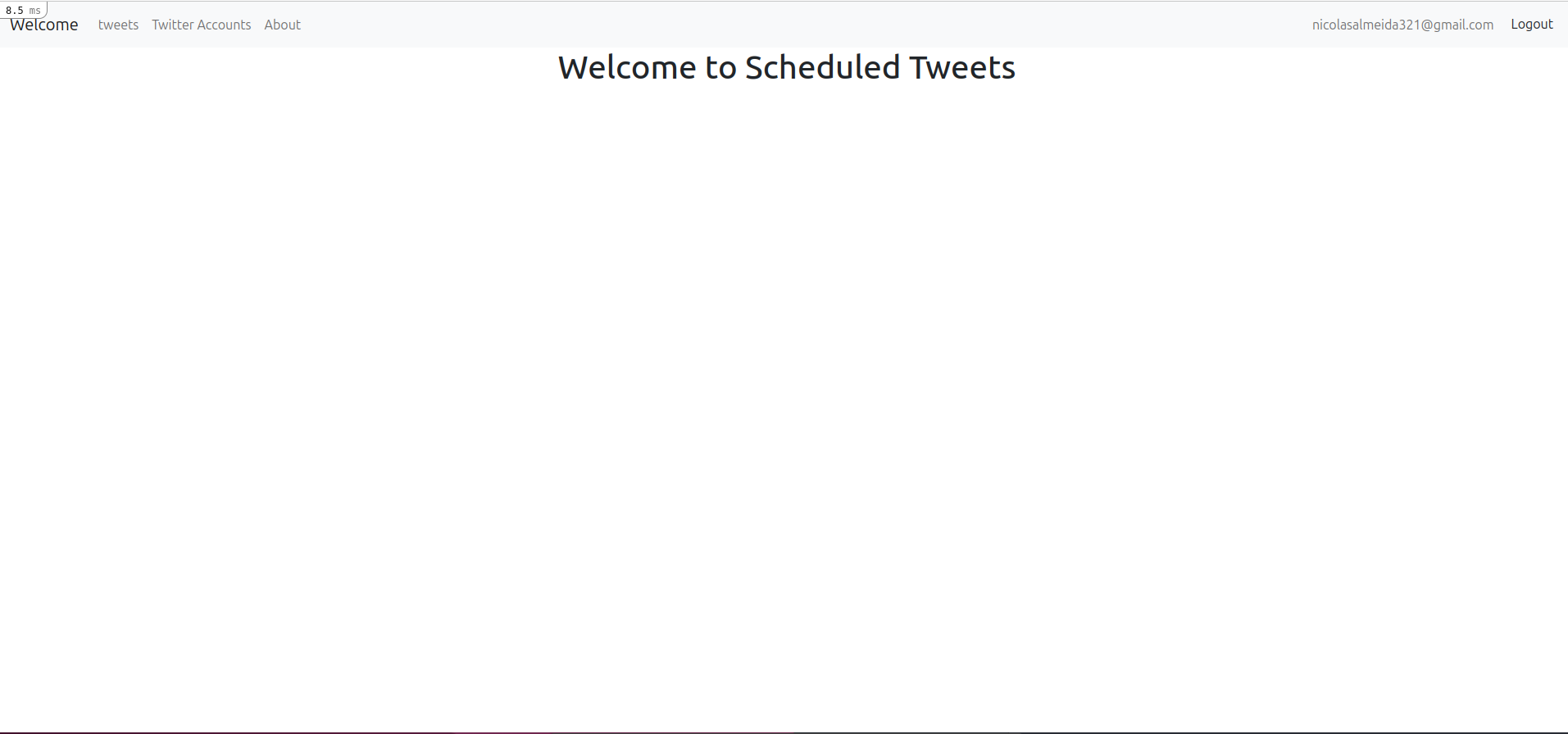
Welcome screen
Screen to connect the Twitter account
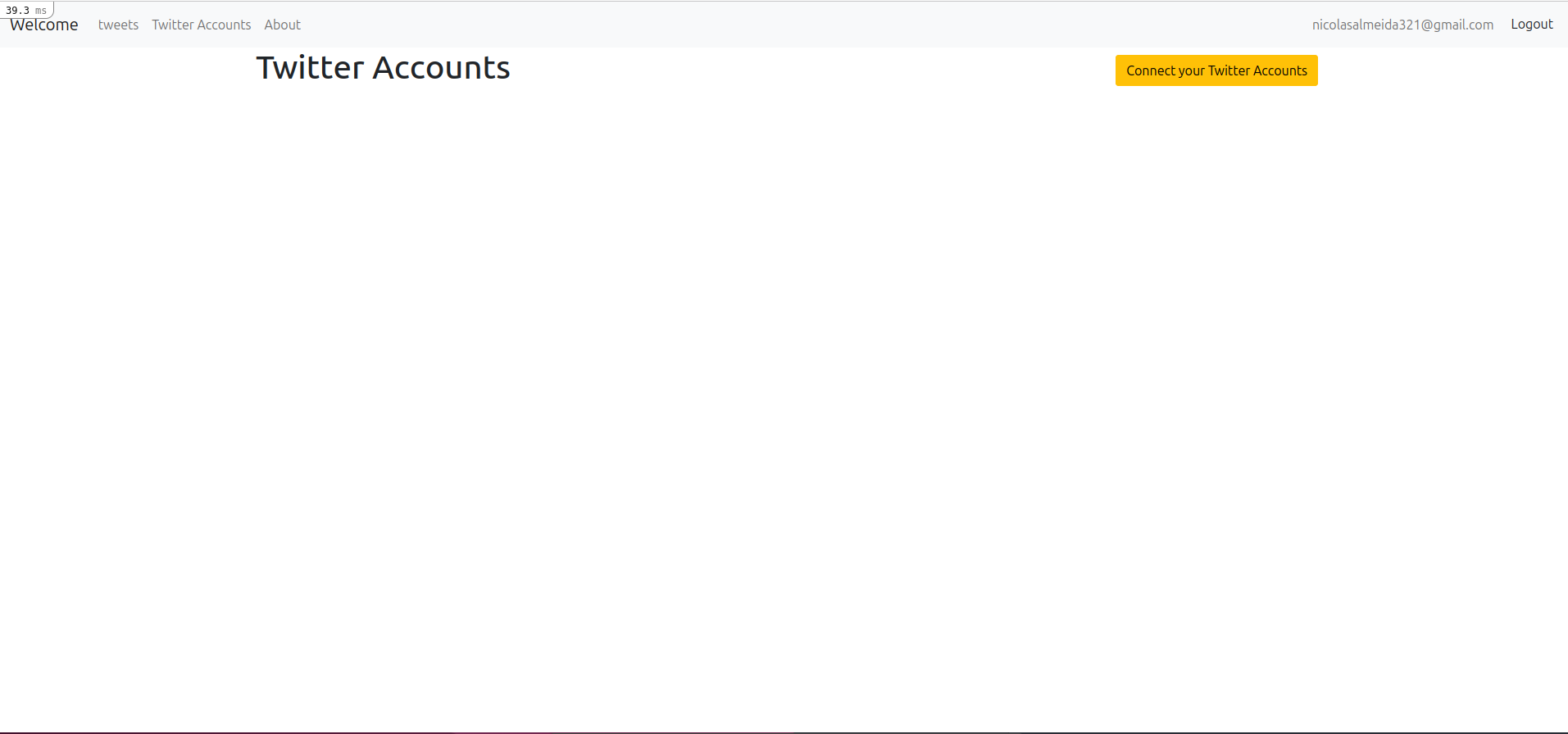
This is where the magic happens. The OmniAuth library connects Twitter with the application, allowing posts to be sent to Twitter when the waiting time expires.
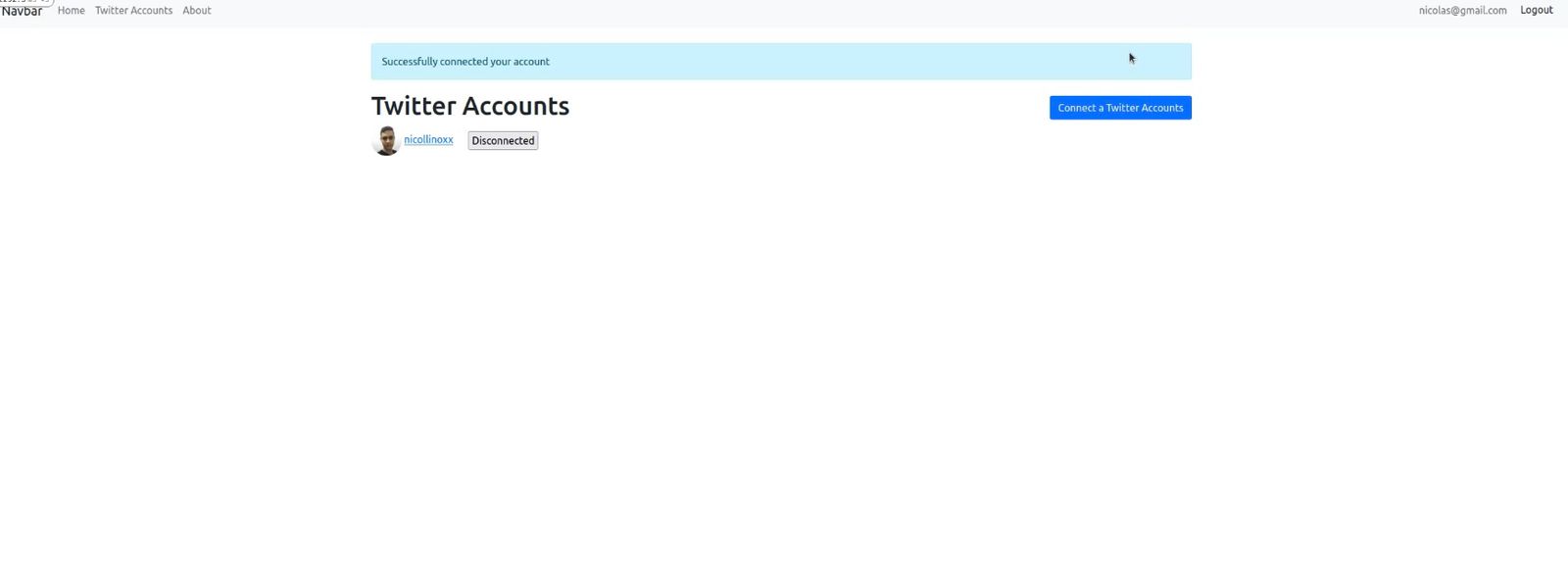
Twitter account login successful
Tweets
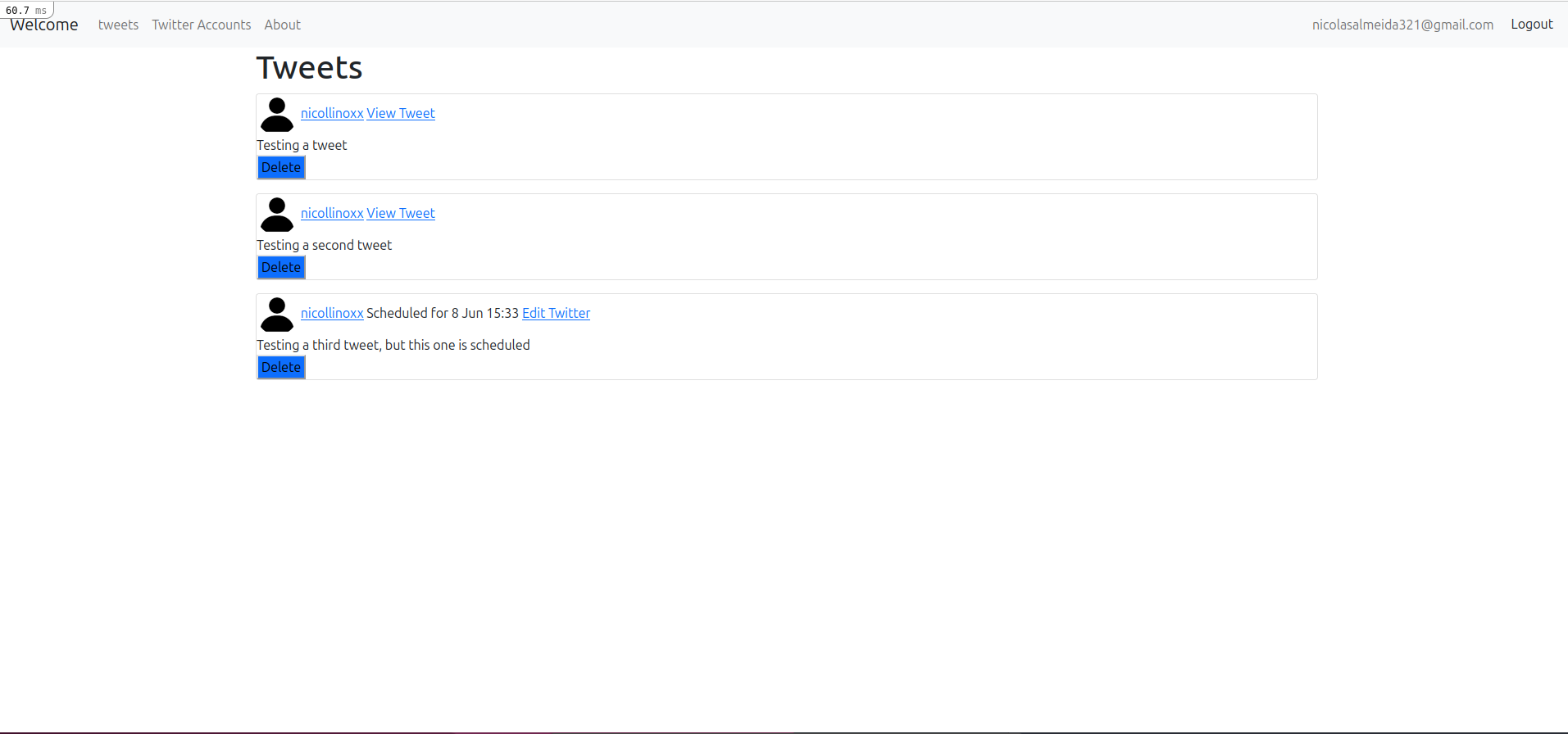
View of the application's posts. This is where scheduled and posted tweets are shown.
Conclusion
The development of this application provided valuable learning in several areas of web development with Ruby on Rails. Concepts such as MVC, authentication with OmniAuth, background processing with Sidekiq, database management with pgAdmin, and responsive design with Bootstrap broadened my skills as a developer. In addition, the challenges faced and overcome throughout the project contributed to my growth and learning. Seeing the application running on the web was quite an achievement.