CSS (Cascading Style Sheets) is a style language used to describe the presentation of a document written in HTML or XML. It allows the separation between the content of a document and its appearance, offering an efficient way to control the formatting and layout of multiple pages.
Playing with CSS was one of the most fun steps during my learning process to start developing. Initially, I focused only on learning how things worked and how to use them. I didn't try at first to copy the styling of Netflix or Prime Video, but just the essentials so I could experiment and later apply what I had learned after finishing the tutorial.
I have some projects with CSS and HTML in the repositories: Aprendendo a programar and Pensamento computacional. "Pensamento computacional" is a subject from the software engineering course, and I created this repository to store some projects with CSS, HTML, and JavaScript that were developed in class.
First styling with CSS
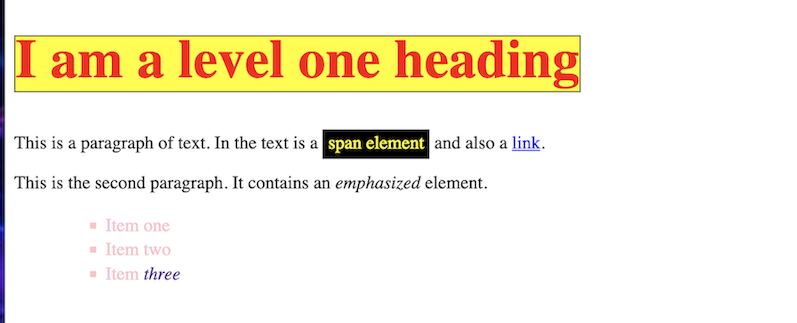
I continued my studies on page styling as soon as I finished development with HTML. I learned from the same site where I started using HTML, at: MDN Web Docs. However, I followed the tutorial from the site, Introduction to CSS, to be able to style some pages. At the end of the tutorial, I ended up with a very simple page where I applied some CSS attributes, really very little, but enough to start an evolution in creating more beautiful and pleasant screens.
See image
More advanced projects
Badge
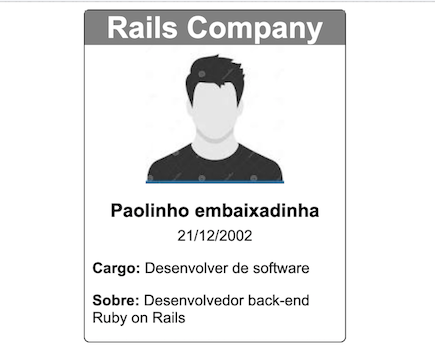
The badge was an assignment given by a software engineering professor at a college I attend. The goal was to make a simple badge using only HTML and CSS. That day, I doubted whether I could really do it, as it had been a considerable time since I last practiced CSS and I was using front-end frameworks like Bootstrap and Tailwind to make development processes faster and easier. These frameworks offer easier and quicker styling, which allowed me to focus more precisely on the back-end of applications, since the screens were made quickly.
Game Store Website
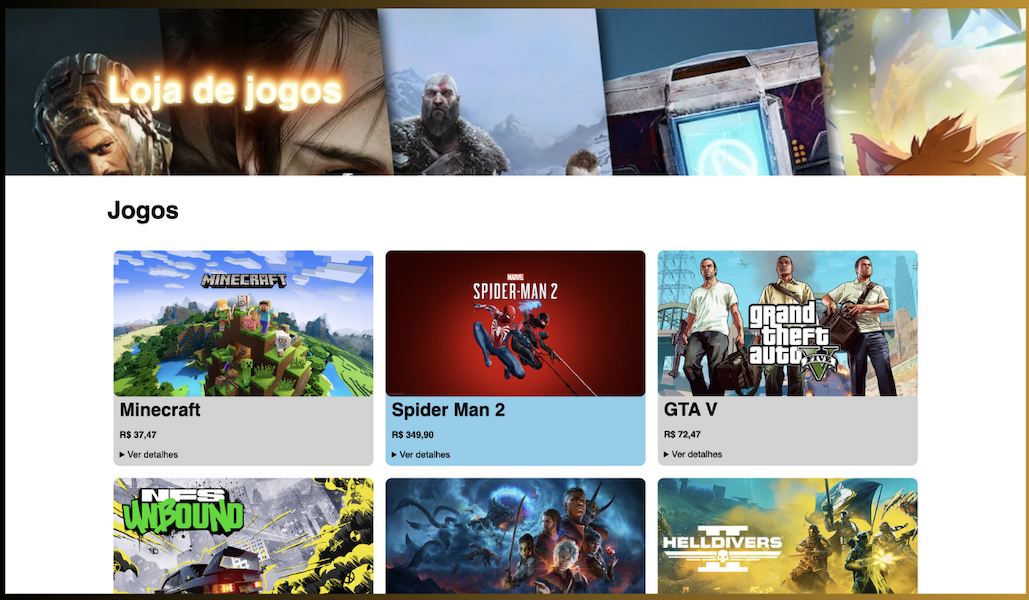
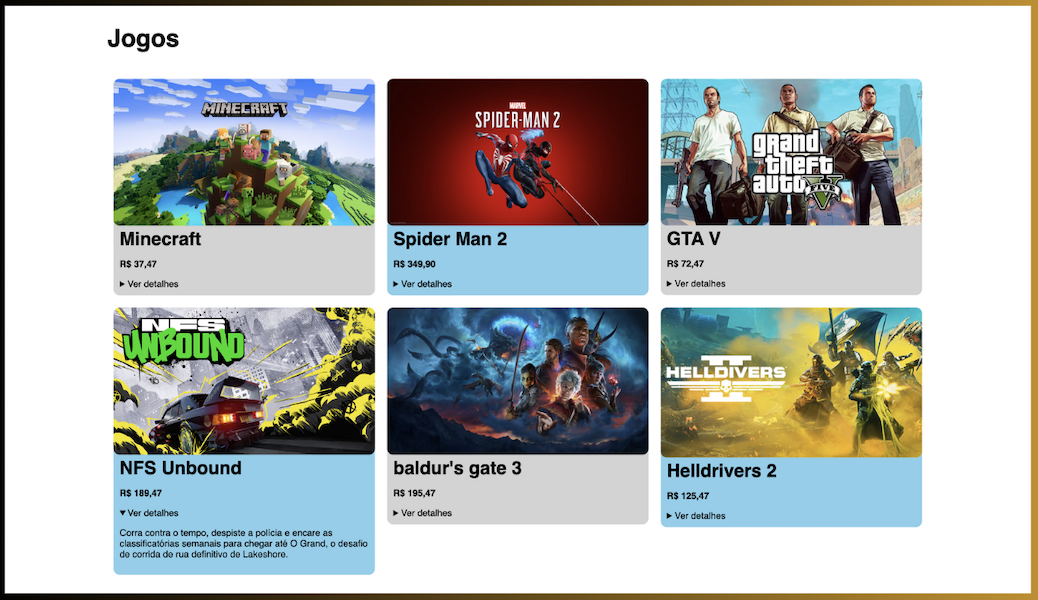
A little before I started writing this post, I developed a simple website using only HTML and CSS that tries to simulate a virtual game store. I tried to keep the site as simple and objective as possible, but also elegant and pleasant to maintain a good user experience. Also, compared to previous screens, there was a significant leap in styling experience and organization of the other screens.
See images
General view of the site
View of games with visible description
This file is available in the repository Aprendendo a programar.